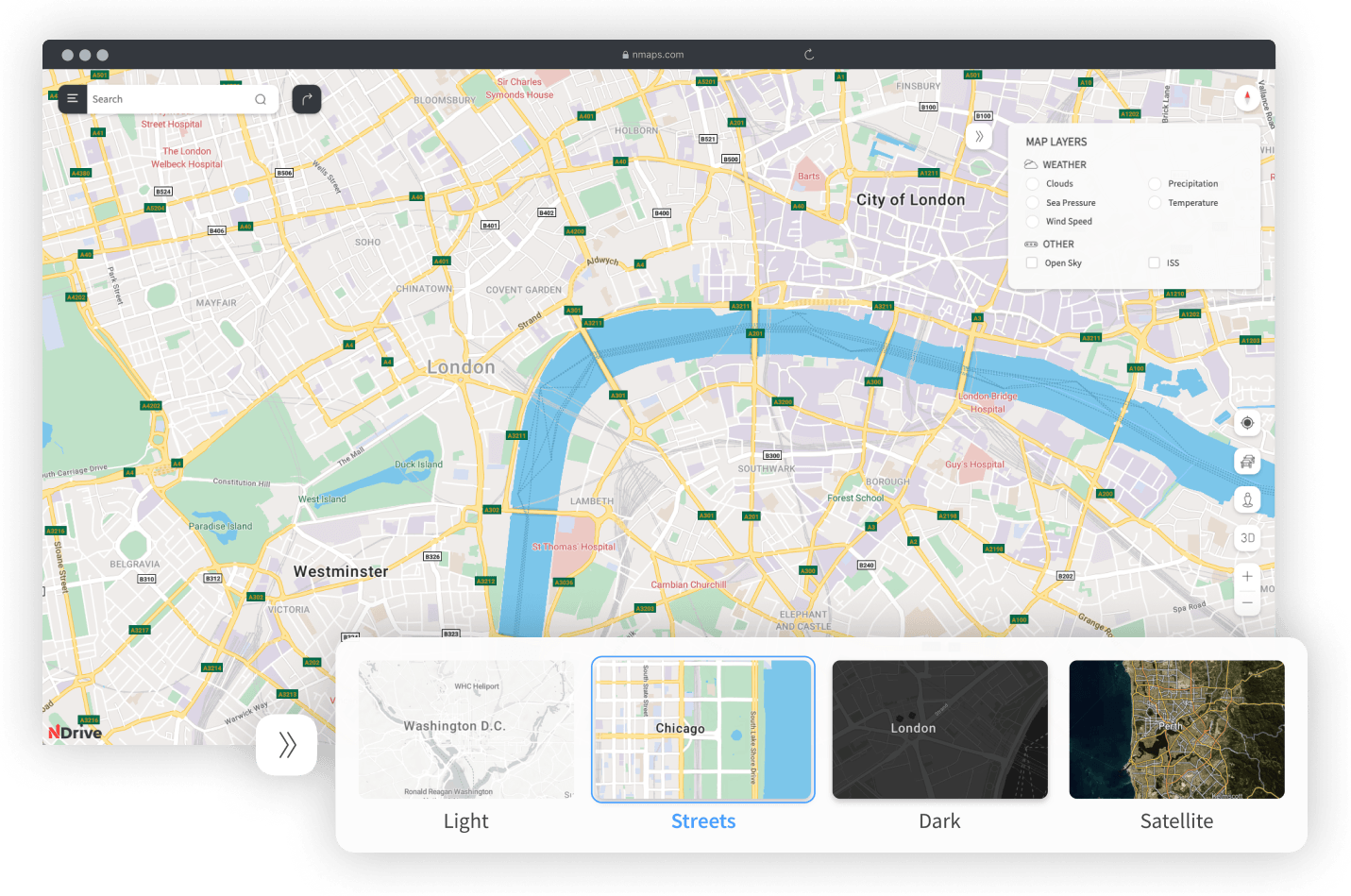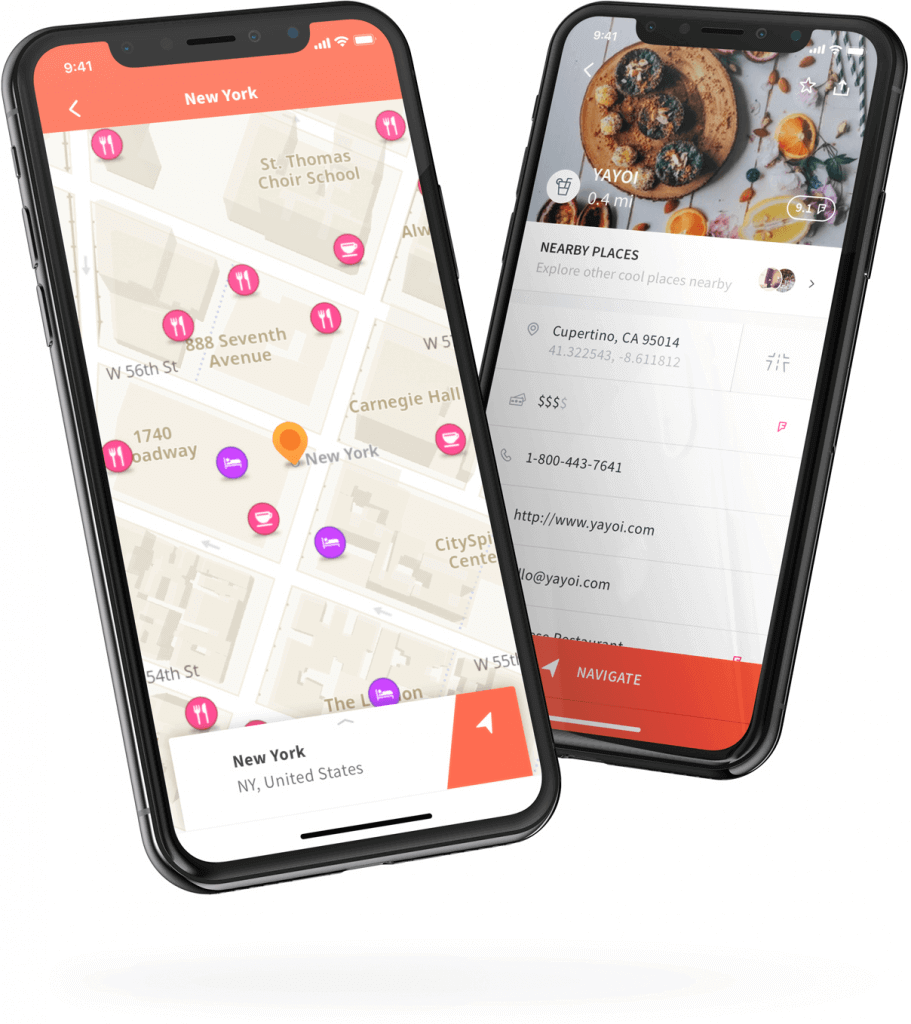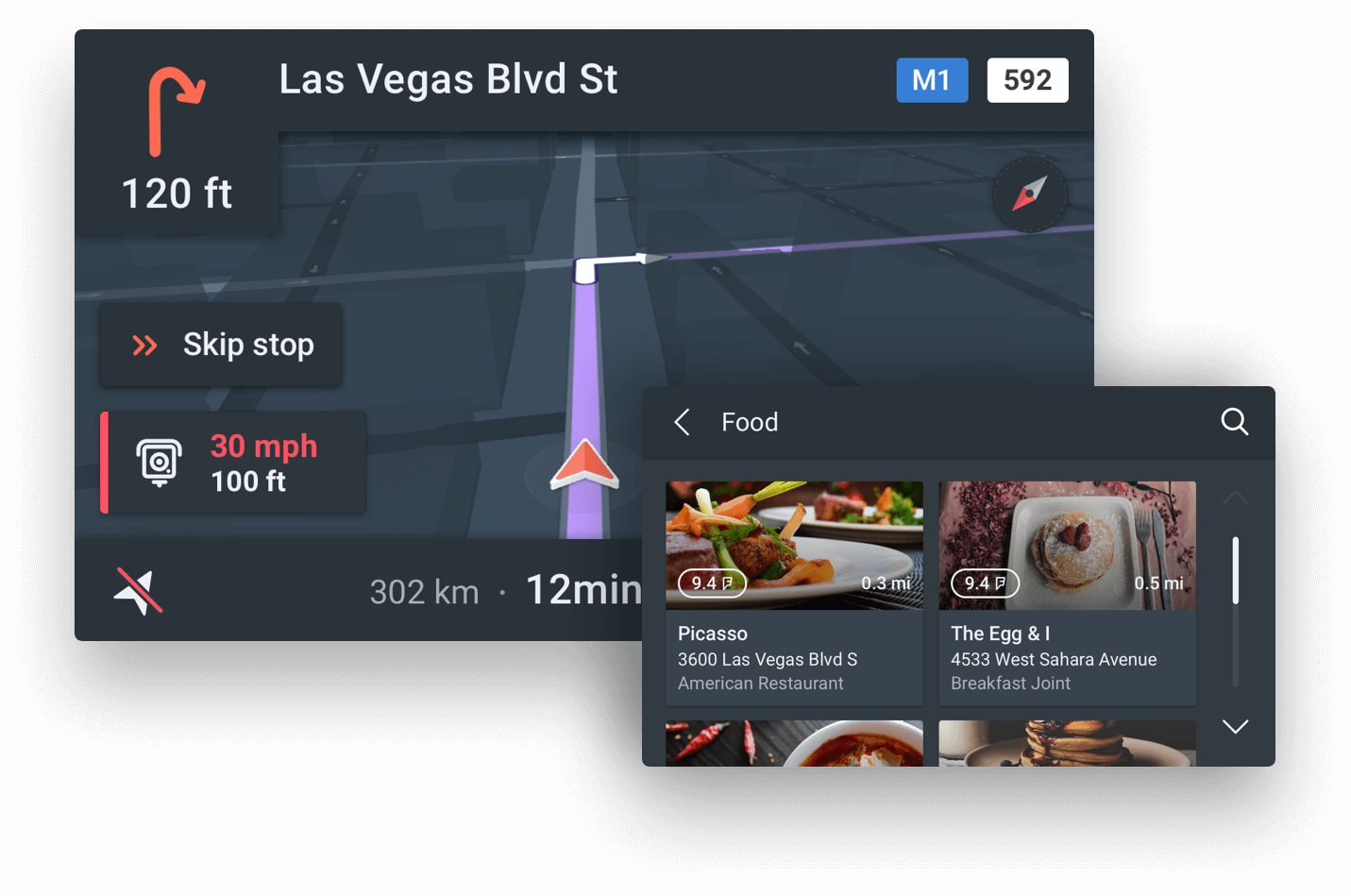


NDrive turns your Symbian S60 V3 and V5 smartphone into a powerful navigation system up to house number accuracy! After a short plug & play installation, turn-by-turn voice instructions and on-screen directions will guide you from your current position to the destination that you have entered.
In addition to all this, you can navigate to any of the many points-of-interest like hotels, restaurants and petrol stations.
You can even dial them directly to make for example a hotel reservation or inquiry before going there! In summary, NDrive is a must for everyone looking for an affordable, flexible and powerful navigation system!
Software:
Features
Map Display / Graphics
Dynamic adaptive drawing engine - 10 frames per second in a 400 MHz processor – providing a video-like experience.
Rotation, tilt and pan control of the map on and off routing.
3D objects – Landmarks.
No limitation on zoom in and out, on and off routing.
Display of pedestrian streets, ferries routes and trains.
Display of terrain types (urban, green areas, river and sea).
Allows to choose from 6 design templates included, or import users’ made in XML format.
Interface
Use of gesture recognition and auto scroll on PND’s and on touch screen phones.
100% finger or keyboard operated.
Search
Instantaneous feedback: results are displayed while typing.
Search options: city centre, street centre, street number, street crossings
Postal code search.
Coordinates search - 3 different formats.
Advanced search engine:
Usage of initials or parts of initials in any order, non compulsory usage of words like "of", "and", etc.
Results are based on city population (large cities are displayed on the top).
Record past searches of locations, POI’s and coordinates.
POI name's and Nearby POI search.
Accepts search by all POI's within city limit or limited by POI category/sub-category.
POI information: phone, email, URL and description in HTML, usable by the phone – If a data/GSM connection is active.
ABC or QWERTY keyboard layout.
Routing
Faster, shorter, pedestrian and adventure* modes. *(NDrive V9).
Tolls/No tolls
Information displayed during navigation: Next manoeuvre and its distance, total distance to destination, actual time, estimated time of arrival, arrival time, present street and next street name while approaching the manoeuvre.
Demo routing – when GPS is turned off.
Road book available with past and next manoeuvres.
Automatic routing recalculation on missed manoeuvre.
Can display off-road routing till next available road.
Alternative routes: calculate alternative route, avoid roadblocks, avoid part of the route.
Rotation, tilt and pan of the map.
Street/POI name display of any street/POI, simply tapping on it.
Direct navigation to a nearby POI without stopping the navigation.
Can route from map coordinates by screen input.
Can route from received SMS with coordinates, POI’s and Favourites, on phone devices equipped with NDrive.
Safety
Sound alarm when specified speed is overcomed.
Visual and/or sound alarm when street maximum allowed speed is overcomed.
Visual and/or sound alarm on safety camera (radar) proximity.
Safety camera can be imported from KML - Google Earth™ supported file.
Favourites and communities
Unlimited favourites.
Unlimited favourites' categories.
Favourite categories can be customized by user with: name, visible or invisible on map, visibility scale and displayed icon (from icon library or user generated icon).
Detailed information: name, address, email, phone, web, fax and description, usable by the phone – If a data/GSM connection is active.
Favourites can be exported and imported to KML format for sharing with friends and viewed on Google Earth™.
Settings / Customization
General: Sound volume, backlight, on or power save mode and 12/24h time format.
Languages: 28
Keyboard: ABC or QWERTY.
Km/h or Mph.
Map appearance: auto zoom on/off, landmarks on/off, templates and POI display settings.
GPS: ports, settings, GPS based compass, coordinates, altitude and current speed.
Battery charging status.
Interactive HTML manual included.
Software licensing: NDrive website, hardware data connection, SMS or bulk license mode.
Some
computers storage
card readers, may not recognize SDHC cards (>4GB), if you have
a SDHC storage card and your computer is unable to detect it,
please follow the option
2
installation steps.
Download NDrive to
your computer.
Insert the phone
storage card in your computer’s storage card reader/adapter
Extract the zip file
contents to your storage card by right-clicking and choosing
“Extract to...” and select the storage card as destination.
After the files
have been copied to your storage card, remove it from your
computer’s storage card reader/adapter.
Insert the
storage card on the phone.
On your Phone go to
“File Manager”.
Select the
storage card as source and browse to NDrive folder in the root of
the card.
If you own a Nokia
Phone please install the Nokia PIPS library (pips_nokia_1_3_SS.sis)
by selecting the file and pressing the central cursor.
If you own a Samsung
Phone please install the Samsung PIPS library
(pips_samsung_1_2_SS.sis) by selecting the file and pressing the
central cursor.
The
installation should be made to the device’s internal memory.
After following these
steps NDrive is ready to run and it should be located next to the
installed applications. You can run it by pressing the central
cursor button.
If you have a
trial, a message will appear inviting you to activate the trial
map. Your device must have an activated SIM card. NDrive
will prompt for activation via “Web”
or “SMS”. Select “Web” and make sure your phone has an
active data connection (3G, GPRS or Wi-Fi) or is connected to your
computer’s internet connection (via ActiveSync). Please
do not select SMS.
If you have a
full NDrive version, enter the provided serial number.[+info]
Option 2
- computers without storage card reader/adapter
Installation
requirements (option 2):
Compatible
phone (refer
to list)
Storage
card with free space for selected map
USB
cable provided with your phone
Download NDrive to
your computer.
Connect your Symbian
phone to your computer using the provided USB cable and choose “Data
transfer” mode.
Your phone will
appear as an external hard disk.
Extract
the zip file content to your storage card by right-clicking and
choosing “Extract to...” and select the storage card as
destination.
After the files
have being copied,disconnect
your phone from the USB cable.
On your Phone
go to the “File Manager”.
Select the
storage card as source and browse to NDrive folder in the root of
the card.
If you own a
Nokia Phone please install the Nokia PIPS library
(“pips_nokia_1_3_SS.sis”) by selecting the file and pressing the
central cursor.
If you own a
Samsung Phone please install the Samsung PIPS library
(“pips_samsung_1_2_SS.sis”) by selecting the file and pressing
the central cursor.
The installation
should be done to the internal memory of the device.
After following these
steps NDrive is ready to run and it should be located next to the
installed applications. You can run it by pressing the central
cursor button.
If you have a
trial, a message will appear inviting you to activate the trial
map. Your device must have an activated SIM card. NDrive will
prompt for activation via “Web” or “SMS”. Select “Web”
and make sure your phone has an active data connection (3G, GPRS or
Wi-Fi) or is connected to your computer’s internet connection
(via USB cable). Please
do not select SMS.
If you have a
full NDrive version, enter the provided serial number. [+info]
Asia & Oceania
Australia and New Zealand(Australia, New Zealand)[230MB]70.00€ Hong Kong & Macao(Hong Kong, Macao)[9MB]45.00€ Indonesia(Indonesia)[73MB]45.00€ Singapore & Malaysia(Singapore, Malaysia)[26MB]45.00€ Taiwan(Taiwan)[16MB]45.00€ Thailand(Thailand)[114MB]45.00€
Western Europe
Western Europe(Andorra, Austria, Belgium, Denmark, Finland, France, Germany, Gibraltar, Great Britain, Italy, Liechtenstein, Luxembourg, Malta, Monaco, Netherlands, Norway, Portugal, Republic of Ireland, San Marino, Spain, Sweden, Switzerland and Vatican)[2.7GB]70.00€ Benelux(Belgium, Netherlands and Luxembourg)[150MB]45.00€ France(France and Monaco)[460MB]45.00€ Germany Austria & Switzerland(Germany, Austria, Switzerland and Liechtenstein)[533MB]45.00€ Great Britain/Ireland(Great Britain and Republic of Ireland)[330MB]45.00€ Iberia Premium(Continental Portugal, Spain, Andorra and Gibraltar)[600MB]45.00€ Italy(Italy, San Marino, Vatican and Malta)[400MB]45.00€ Portugal(Continental Portugal and Madeira and Azores Autonomous Regions )[285MB]40.00€ Scandinavia(Denmark, Finland, Norway and Sweden)[300MB]45.00€
Eastern Europe
Eastern Europe(Albania, Belarus, Bosnia and Herzegovina, Bulgaria, Croatia, Czech Republic, Estonia, Greece, Hungary, Latvia, Lithuania, Moldova, Montenegro, Poland, Romania, Republic of Macedonia, Serbia, Slovakia, Slovenia, Turkey and Ukraine)[350MB]60.00€ Bulgaria(Bulgaria)[13MB]45.00€ Greece(Greece)[84MB]45.00€ Hungary(Hungary)[37MB]45.00€ Romania(Romania)[23MB]45.00€ Russia(Russia)[119MB]45.00€ Turkey(Turkey)[85MB]45.00€
North America
North America(USA, Canada, Mexico, Bahamas, Cayman Islands, Puerto Rico and Virgin Islands U.S.)[1.8GB]60.00€